

What Happens When Your Market Joins SideStall
Run a market? Here's what happens after you register it on SideStall, from the invite email to your first post, and what it costs the market.
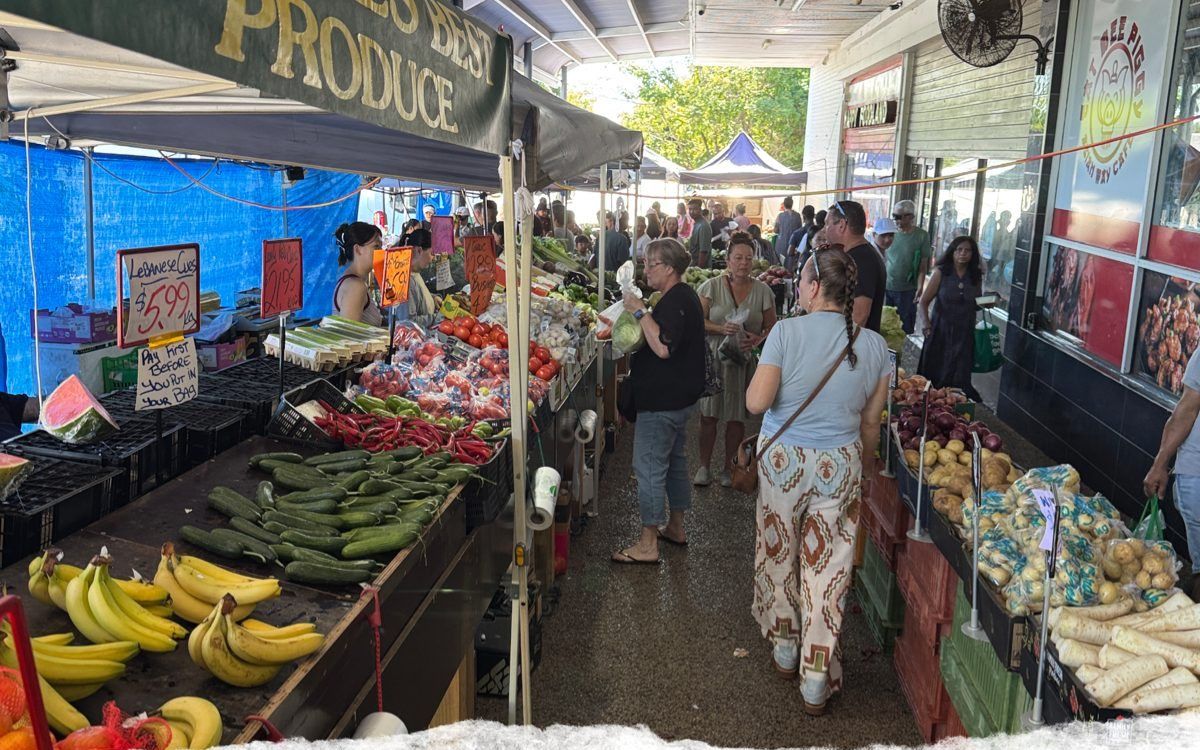
If you run a market, you probably know the pinned Facebook post. The one with the next market date on it, that you drag back to the top every week so people can find it. A lot of what we've built for markets is about taking that job off you, so here's what actually happens when your market joins, start to finish.
You register, we set it up
It starts with a short form at sidestall.au/list-your-market: your name, the market, where it's held and when it runs. The SideStall team reviews every market before it goes live, and we'll be in touch.
Then we set your market up on the map. The venue gets pinned, and the address is one thing we look after for you. If it's ever wrong, email support@sidestall.au and we'll fix it.
The invite email
Once your page is ready, you get an email inviting you to help organise it. Click Accept the invitation, then sign in, or make a free SideStall account if you haven't got one. The link works once and lasts 30 days, so if it lands in a shared committee inbox, get the right person to open it. Can't see it? Check the junk folder.
The portal, tab by tab
You run the market from portal.sidestall.au. Click Markets, find yours, click Manage, and you'll see the tabs across the top: Details, Feed, Stalls and Organisers. If one of them isn't there, email support@sidestall.au.
- Details is what shoppers see. Add a few photos and lead with your best one, because the first is the cover. Write a short description, then set the schedule, say the first Sunday of the month, 9am to 1pm, in your market's local time. Buyers see your next market dates worked out from that, so the next date is always there without you posting it.
- Feed: posts go out under the market's name, badged Organiser, not your own. Anyone keeping an eye on your market in the app gets an update when you post, capped at three a day so nobody gets spammed. One line before each market day is plenty.
- Stalls: invite the stalls you know, and approve any that ask to join. A stallholder who isn't on SideStall yet sets up a free stall in the app first, which takes a couple of minutes, and then you can invite them.
- Organisers you can skip. If someone helps you run the market, invite them here by email. Anyone you add can do everything you can, so keep it to people you trust.
Your stallholders get a spotlight too
When one of your stalls posts in the market feed, the post can link straight through to their stall. So someone who likes the look of those tomatoes can see who grew them and how to get to their gate on a day that isn't market day.
The off-season
Taking a break over winter? On the Details tab, set Paused until, and shoppers can see you're closed for the season.
What it costs
Nothing for the market. There's no subscription for the organiser tools, and it's free for your stallholders to set up their stalls. If a stall takes a payment through the app, there's no monthly fee on any plan, just a small SideStall platform fee plus card processing when a buyer actually pays. Cash on the day works exactly as it always has.
Keep your Facebook group
You don't have to move anything off Facebook. Keep the group running the way it is, and let people in there know the market's on SideStall now.
Where to find it
On the map in the app, markets are the little white shop icons. Stalls are the dots and the numbered circles. Tap a market and you land on its page, with the next market day and the stalls that have joined.
If you run a market, register it here and we'll be in touch. Stuck at any point after that? Email support@sidestall.au.